

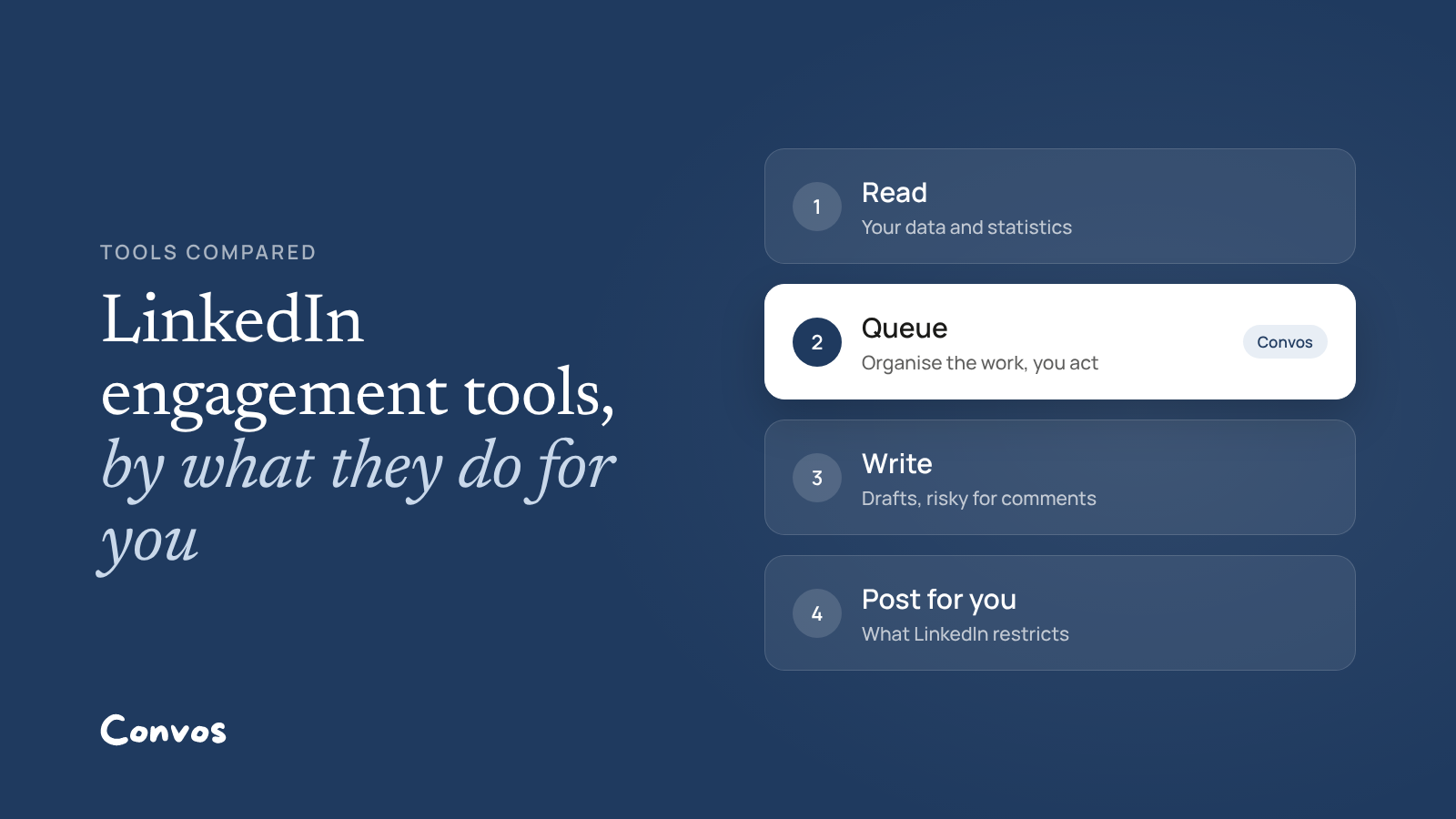
In short: the best LinkedIn engagement tools in 2026 are easiest to compare by what they are allowed to do on your behalf: read your data, queue work for you, write text for you, or post on your account. Reading and queuing tools sit comfortably inside LinkedIn’s rules; writing tools are fine for drafts but risky for comments; tools that post, like or comment for you are the ones LinkedIn now detects and restricts. Pick the lowest level of delegation that solves your problem. Prices below were checked in October 2026.
Key takeaways
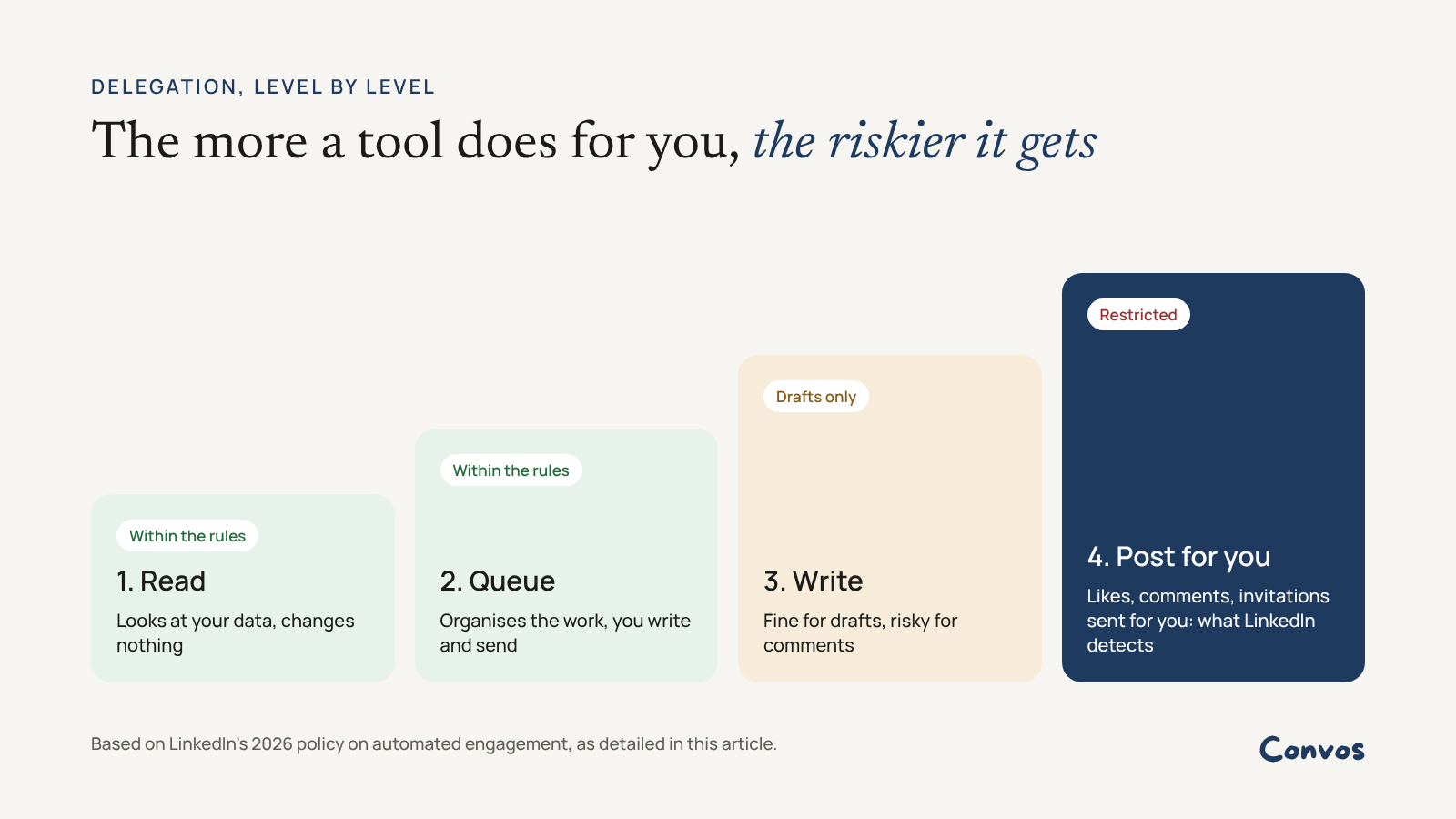
- Sort every tool into one of four levels before comparing features: read, queue, write or post.
- LinkedIn says automated comments made with “a browser extension, script, or third party tool” are not allowed, and engagement pods “are not allowed on LinkedIn” (March 2026).
- AI writing tools cost $21 to $199 per month; they help you publish but do little for conversations.
- Tools that act on your account carry the most risk: Shield shut down and Kleo received a cease-and-desist over its extension.
- Judge any tool by your engagement rate per post, not by the number of actions it performs.
Why “what can it do?” beats a feature list
Most lists of LinkedIn engagement tools compare features: post generator, scheduler, analytics, AI comments, outreach. The more useful question is what the software does without you. That is also the line LinkedIn draws.
In February 2026, LinkedIn VP of Product Gyanda Sachdeva defined automated comments as those posted “without any human oversight or review” and set out three measures: they are removed from the “Most relevant” ranking, can be limited to the commenter’s direct connections, and repeat offenders are restricted (Social Media Today, 16 February 2026). A month later LinkedIn confirmed that pods “erode trust and are not allowed” and that groups had been removed and members contacted (LinkedIn News, 13 March 2026).
So the four levels below run from no policy risk to the risk LinkedIn is actively enforcing against.
The best LinkedIn engagement tools in 2026, by level
| Tool | Level | What it does | Price (October 2026) |
|---|---|---|---|
| LinkedIn analytics | Read | Post and comment impressions | Free |
| AuthoredUp | Read | Formatting and detailed post analytics | $19.95 per month |
| Convos | Queue | Daily queue of posts, comments and invitations; you write and send | Free plan, then 15 euros per month |
| Buffer | Queue | Schedules posts you have written | Free for 3 channels, then paid |
| Supergrow | Write | AI post generator, carousels, scheduling | $39 per month, Teams $199 for 5 accounts |
| MagicPost | Write | AI post generator and scheduler | $21 to $39 per month |
| Kleo | Write | High-end post writing (web app) | $99 per month |
| Taplio | Write and post | AI writing, AI comment credits, outreach | $39, $69 or $199 per month |
| Expandi | Post | Automated invitations and message sequences | Varies by plan |
Prices come from public pricing pages as reported by Taplio and MagicPost. They change often, so check each vendor’s site before you buy.
Level 1: tools that read
Reading tools look at data and change nothing on LinkedIn. They are the safest category and the easiest to justify.
LinkedIn’s own analytics are the starting point. Since February 2025 you can also see comment impressions, counted “each time someone views your comment” and visible only to you (Social Media Today, 25 February 2025). That makes it possible to see which of your comments are actually read.
AuthoredUp adds a post preview, formatting tools and the most detailed post analytics of the tools in this list. It deliberately has no AI writing, so it pairs well with any of the levels below.
Level 2: tools that queue
Queuing tools organise what you need to do, then leave the doing to you. Nothing is sent without a human decision, so they stay on the right side of LinkedIn’s line on automation.
Convos
Full disclosure: Convos is our tool. Each morning it lines up new posts from the people you chose to follow closely, comments on your own posts and pending invitations, in one queue you clear in about 15 minutes. It writes nothing: you type every comment and reply, and each one is sent from your own browser through a Chrome extension at a human pace. There is a free plan, then Solo at 15 euros per month and Agency at 19 euros per account (pricing).
Buffer
Buffer queues posts rather than conversations. You write the post, choose the time, and it publishes it. Useful for consistency, but it does not help with replies or comments.
Why queuing matters: Buffer’s analysis of 72,000 posts from about 25,000 accounts found that posts where the author replies to comments get around 30% more engagement, with a causality caveat (Buffer, December 2025). The hard part of engagement is turning up, and a queue solves that without writing for you.
Level 3: tools that write
Writing tools generate posts, hooks, carousels and sometimes comments. Supergrow, MagicPost and Kleo focus on posts; Taplio covers posts and offers AI comment credits (500 on the $69 Growth plan, unlimited on the $199 Pro plan).
For posts, the policy line is clear enough: ghostwriting is allowed, logging in as someone else is not, under sections 2.2 and 8.2 of the User Agreement (MagicPost, on LinkedIn ghostwriting). The practical risk is quality. By August 2026, LinkedIn’s “Seems like AI slop” button had been used more than a million times, and views of content classified as AI spam fell by up to 40% in some cases (PCWorld, 24 August 2026).
For comments, the line is sharper. A suggested comment you read, edit and post yourself is your comment. A batch of generated comments posted without review is exactly what LinkedIn now demotes. Readers notice too: Carta’s Peter Walker describes AI comments as noise and disrespectful to posters, and notes that users block AI commenters (Carta, 20 May 2026).
Level 4: tools that post for you
These tools like, comment, connect or message on your account without you. Outreach platforms such as Expandi, automated pods and any extension that comments on a schedule belong here.
This is the level LinkedIn enforces against. Its help centre says that “if we detect excessive comment creation or use of an automation tool, we may limit the visibility of those comments” (Social Media Today, 20 August 2025). Members flagged for automation receive a warning email saying the activity “may lead to your account being restricted” (AuthoredUp help centre, January 2025). Vendors have felt it as well: Shield closed after Google and LinkedIn made clear it could not continue “as it was built” (Taplio), and Kleo received a cease-and-desist over its extension in 2025 before relaunching as a web app (AuthoredUp).
Automation does not even reliably work. In Hootsuite’s small pod experiment, the automated pod produced 54 likes and 24 comments but only 261 impressions, against 507 impressions for the manual pod (Hootsuite, December 2022).
How to choose
Start from the job, then pick the lowest level that does it:
- You want to know what works: a reading tool.
- You want to show up every day without forgetting anyone: a queuing tool.
- You struggle to write posts: a writing tool, with every draft rewritten in your own voice.
- You want volume at any cost: a posting tool, accepting real account risk.
Many people combine two levels, for example a writing tool for posts and a queuing tool for conversations. If you are weighing writing tools specifically, our comparison of Taplio alternatives covers prices in more detail.
Measure the result, not the activity
Whatever you choose, track engagement rate per post (reactions, comments and reposts divided by impressions) for a month before and after. For reference, Buffer puts LinkedIn’s median engagement rate at about 6.1% in 2025, down from 6.4% in 2024 (Buffer, March 2026). If a tool raises your activity but not that number, it is not an engagement tool. The conversations that build a network are still the ones you write yourself.