

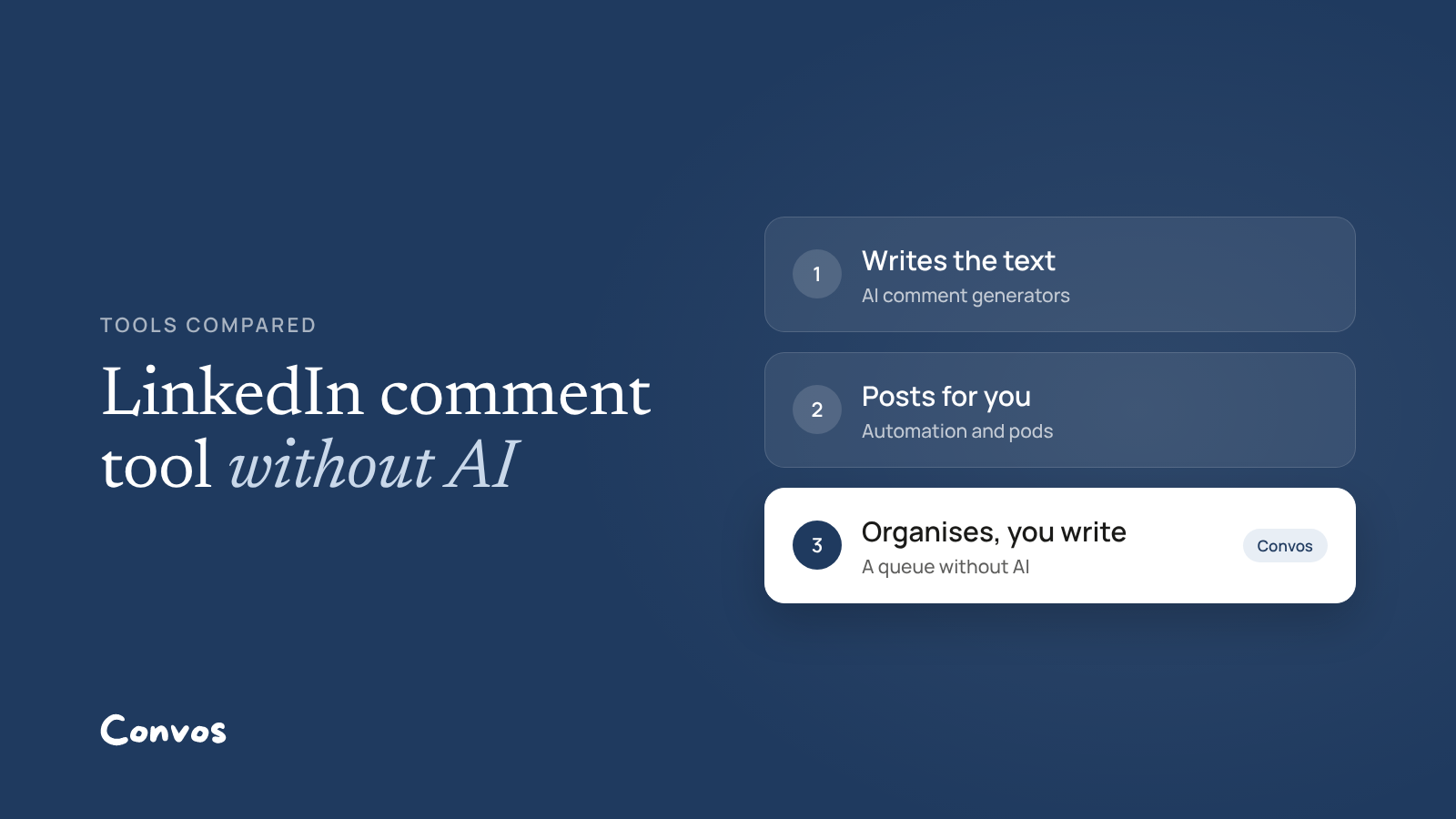
In short: a LinkedIn comment tool without AI writes nothing and posts nothing for you. It finds the posts from the people you care about while they are still fresh, collects the comments waiting on your own posts and lines everything up, then you type every word and press send yourself. In 2026 it is the only kind of comment software that sits fully inside LinkedIn’s rules, because automated and third-party comments are now banned and pushed out of sight.
Key takeaways
- LinkedIn says automated comments made with “a browser extension, script, or third party tool” are not allowed, and pods “erode trust” (LinkedIn News, 13 March 2026).
- Comment software falls into three types: tools that write the text, tools that post for you, and tools that organise the work while you write.
- Only the third type carries no risk to your account and keeps your voice your own.
- Speed still matters: a comment in the first half hour earns about 4 times the impressions of the same comment a day later (LinkHub data, 657,722 comments, via Taplio).
Why people want a LinkedIn comment tool without AI
Commenting is the cheapest way to be seen on LinkedIn without posting every day. It is also slow. Following thirty people by hand, catching their posts early and answering everyone who replies to you can eat an hour a day.
Most tools on the market solve that by writing the comment. The result is visible in every thread. Richard van der Blom estimates that around 80% of the comments posted in the first five minutes under big posts are AI-written (Taplio, an estimate rather than a measurement), and Carta’s Peter Walker describes readers blocking AI commenters outright (Carta, 20 May 2026).
So the search for a tool without AI is a search for the opposite trade: save time on the logistics (finding, sorting, not forgetting) and keep the part that builds the relationship, the words, entirely human.
What LinkedIn’s rules say in 2026
LinkedIn has tightened the rules on comments three times in a year.
- August 2025: LinkedIn’s help pages gained a line saying that “if we detect excessive comment creation or use of an automation tool, we may limit the visibility of those comments” (Social Media Today, 20 August 2025).
- February 2026: Gyanda Sachdeva, VP Product, defined automated comments as those posted “without any human oversight or review”. They are removed from “Most relevant”, can be limited to the commenter’s direct connections, and repeat offenders are restricted (Social Media Today, 16 February 2026).
- March 2026: LinkedIn stated plainly that automated comments are not allowed, removed pod groups and warned members, using both technology and human review (LinkedIn News).
In practice, an automated comment is rarely deleted. It simply stops reaching the people you wrote it for.
The three types of LinkedIn comment tool
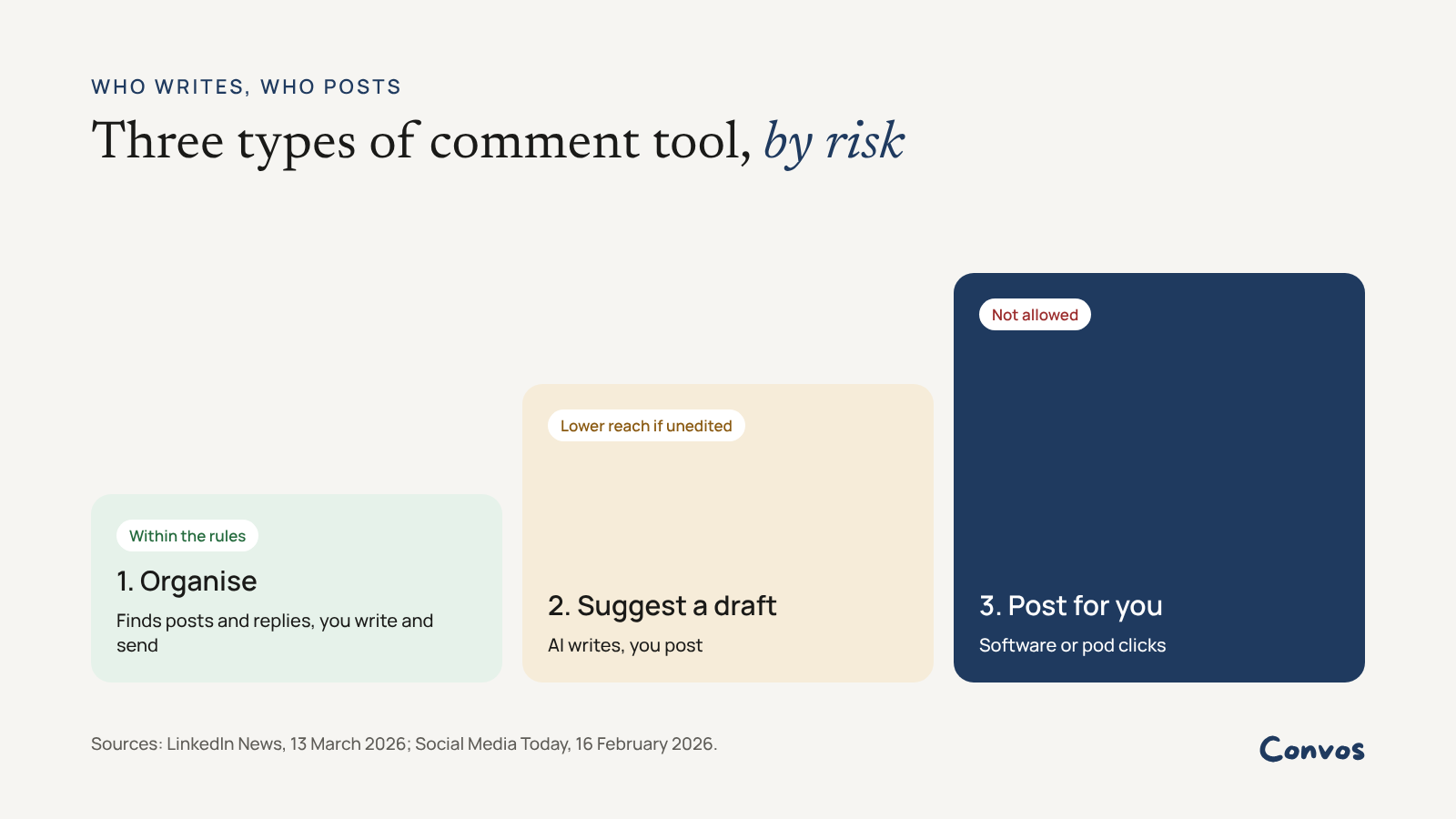
Sort any tool with two questions: who writes the text, and who presses “post”?
1. AI comment generators
Extensions and apps that read a post and suggest a reply, plus “AI comment” credits inside content platforms. Taplio’s Growth plan ($69 a month) includes 500 AI comment credits and Pro ($199) makes them unlimited (Taplio); Supergrow’s $39 Pro plan includes an “Engage” feature with AI comments (Supergrow pricing, checked 16 October 2026).
If you rewrite every draft, the risk is small, but so is the time saved. If you post the suggestions as they are, you produce exactly what LinkedIn now demotes.
2. Tools that post for you
Engagement pods, auto-comment extensions and outreach suites that add likes and comments to their sequences. Here the software clicks, not you, which is automation by LinkedIn’s definition. It does not even pay off: in Hootsuite’s small test, an automated pod produced 54 likes and 24 comments but only 261 impressions, against 507 for a manual pod (Hootsuite, December 2022).
3. Tools that organise while you write
The newest and rarest type. The software prepares your commenting session: new posts from a list of priority people, comments received on your own posts, pending invitations, in a sensible order. You read, you write, you send, at a human pace.
That is how Convos works: one daily queue with the posts to comment on, the replies you owe and the invitations to handle, sent from your own browser through the Chrome extension, with no password shared and no text generated.
Comparison: which kind of tool to pick
| Type | Who writes | Who posts | Risk to the account |
|---|---|---|---|
| AI generator | The AI | You | Lower reach if posted unedited |
| Automation and pods | The software or group | The software | High: not allowed, restrictions |
| Organiser without AI | You | You | None |
For the wider market, including writing, scheduling and analytics tools, see our guide to the best LinkedIn engagement tools in 2026. If you use Taplio mainly for its comments, the Taplio alternatives guide sorts the options by job.
Free ways to comment without AI
You can start without paying. Three methods work, each with limits.
- The profile bell. Turn on post notifications for the people that matter. Fine for five people, noisy for thirty.
- A spreadsheet. One row per person and the date of your last comment. Reliable, but slow to check every day.
- The feed sorted by recent. It shows new posts from your network, not from people you have not connected with yet.
None of them handles replies on your own posts, which is where much of the value sits. Buffer found that posts where the author replies to comments get about 30% more engagement, across 72,000 posts (Buffer, December 2025), while noting the link may not be purely causal.
How to write good comments without AI
A tool without AI is only as good as what you type. Four habits are enough.
Be early, and say something
Aim for the first hour, and add what the post did not have: a number, an experience, a reasoned disagreement or a precise question. Taplio suggests 15 to 40 words. ContentIn found that 41% of comments get zero engagement, across 250,000 comments (ContentIn, 16 May 2026); “great post” is how a comment joins them.
Keep the volume human
LinkedIn publishes no official comment limit. Community estimates put a safe pace at roughly 10 to 15 comments a day for new accounts and about 20 for established ones (Linked API), and ContentIn recommends five good comments a day over fifty quick ones.
Answer the people who answer you
A comment is the start of a conversation. Replies under a comment can lift its reach up to 2.4 times (AuthoredUp, about 1 million posts, via Taplio), and they are where relationships, profile visits and clients come from.
For agencies: never log in as the client
Agencies that manage several leaders face the same job, multiplied. LinkedIn’s User Agreement asks members not to share or transfer their account (MagicPost), so the safe set-up keeps each leader on their own account, with the team preparing who to comment on. Our Supergrow alternatives guide covers agency tools in more detail.
Five questions before you choose
- Does it generate text? Even as a draft, the temptation to post it unedited is real.
- Can it post without your click? If yes, it is automation under LinkedIn’s rules.
- Does it need your password? A serious tool does not.
- Does it cover replies and invitations too? Commenting elsewhere while ignoring your own threads wastes half the effort.
- What does it cost once the trial ends? Compare the plan you would actually use (our pricing).
A tool that answers no, no, no and yes to the first four is a real LinkedIn comment tool without AI. If you want to try the method on a real week, our 14-day trial needs no card.