

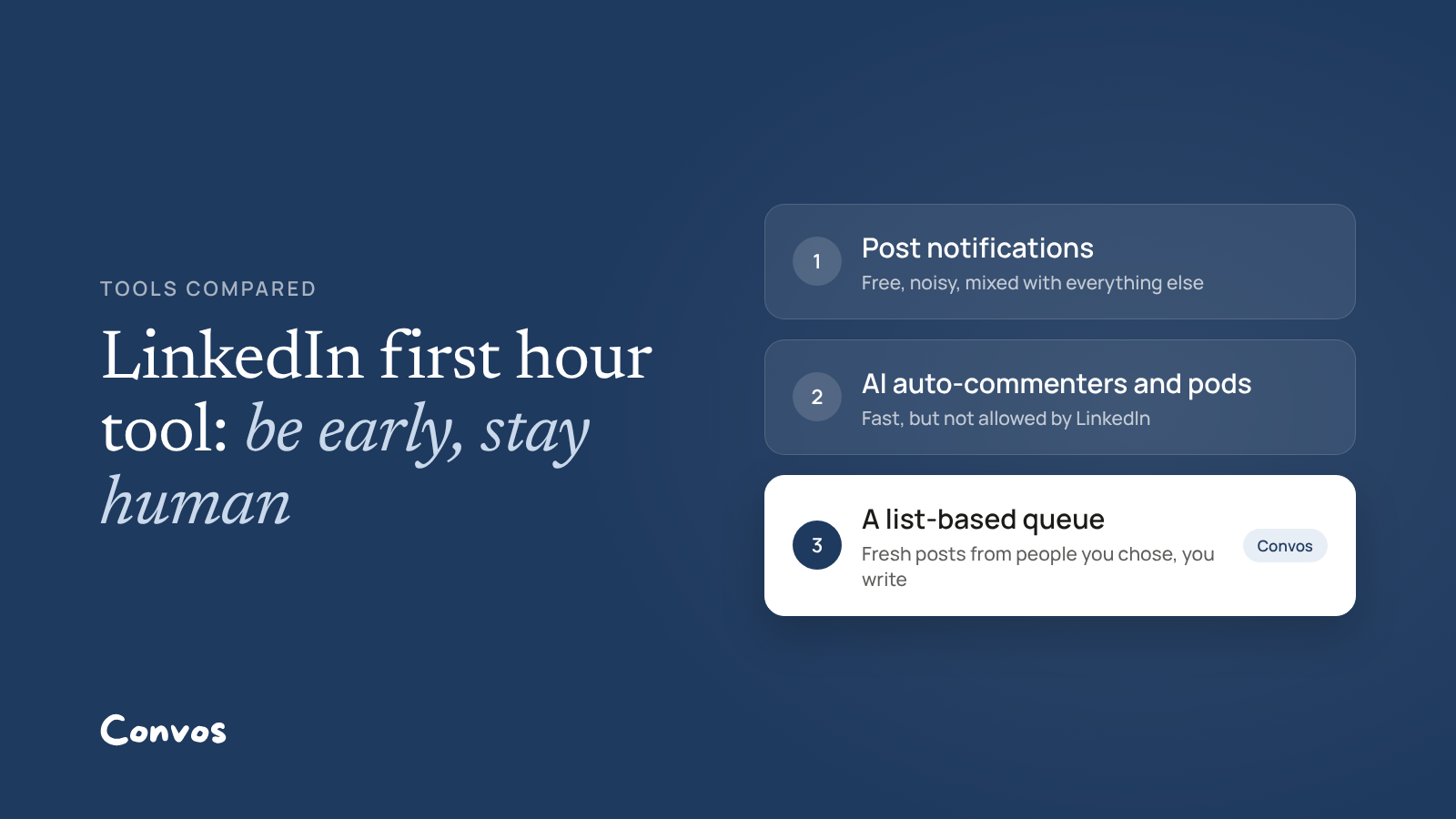
In short: a LinkedIn first hour tool tells you which posts from the people you care about were published in the last hour, so you can comment while the post is still being tested on a small audience. The free version is LinkedIn’s own post notifications (the bell on a profile). A dedicated tool adds a list of chosen people, a freshness signal and a daily queue, but it should only help you be early: you still read the post, write the comment and press send yourself.
Key takeaways
- Early comments get seen more: a comment in the first half hour earns about 4x the impressions of the same comment a day later, according to LinkHub data on 657,722 comments reported by Taplio.
- Most of a post’s life comes after the first hour: a typical post has 8% of its final views at 1 hour and 72% at 3 days (MagicPost, 687,000 posts).
- Being first with a generic line does not help. Under big posts, Richard van der Blom estimates about 80% of comments in the first 5 minutes are AI-written.
- Tools that comment for you, and engagement pods, are not allowed by LinkedIn. A good first hour tool finds posts; it never posts.
- Two or three short sessions a day, at the hours your people publish, cover most first hours without living on LinkedIn.
Why the first hour matters on LinkedIn
When a post goes live, LinkedIn shows it to a small part of the author’s network first and watches what happens. PostFast’s synthesis of large posting datasets puts it plainly: “the first 60 minutes after posting determine whether LinkedIn shows your content to a wider audience” (PostFast). Vendor estimates go further. Expandi claims a post reaches 2 to 5% of the author’s network in the first 60 to 90 minutes and that around 70% of its reach is decided in that window (Expandi, 13 May 2026); treat that as a vendor claim, not a LinkedIn figure.
For a commenter, the first hour matters for a simpler reason: fewer comments means more room. Taplio reports LinkHub data on 657,722 comments showing that a comment left in the first half hour earns about 4x the impressions of the same comment left a day later (Taplio, “How to be the comment guy”). Your comment sits near the top while the post is still climbing.
How much of a post’s reach is left after the first hour
The first hour is important, but it is not everything. MagicPost analysed 687,000 posts from 16,000 creators between June 2025 and September 2026. A typical post had 8% of its final views after 1 hour, 23% after 4 hours and 72% after 3 days (MagicPost, 2026).
So two things are true at once. A comment in the first hour gets the best seat. And a thoughtful comment left the same afternoon still reaches most of the people who will ever see that post. A first hour tool is useful because it raises your odds of being early on the posts that matter, not because a late comment is worthless.
The four ways to be early, compared
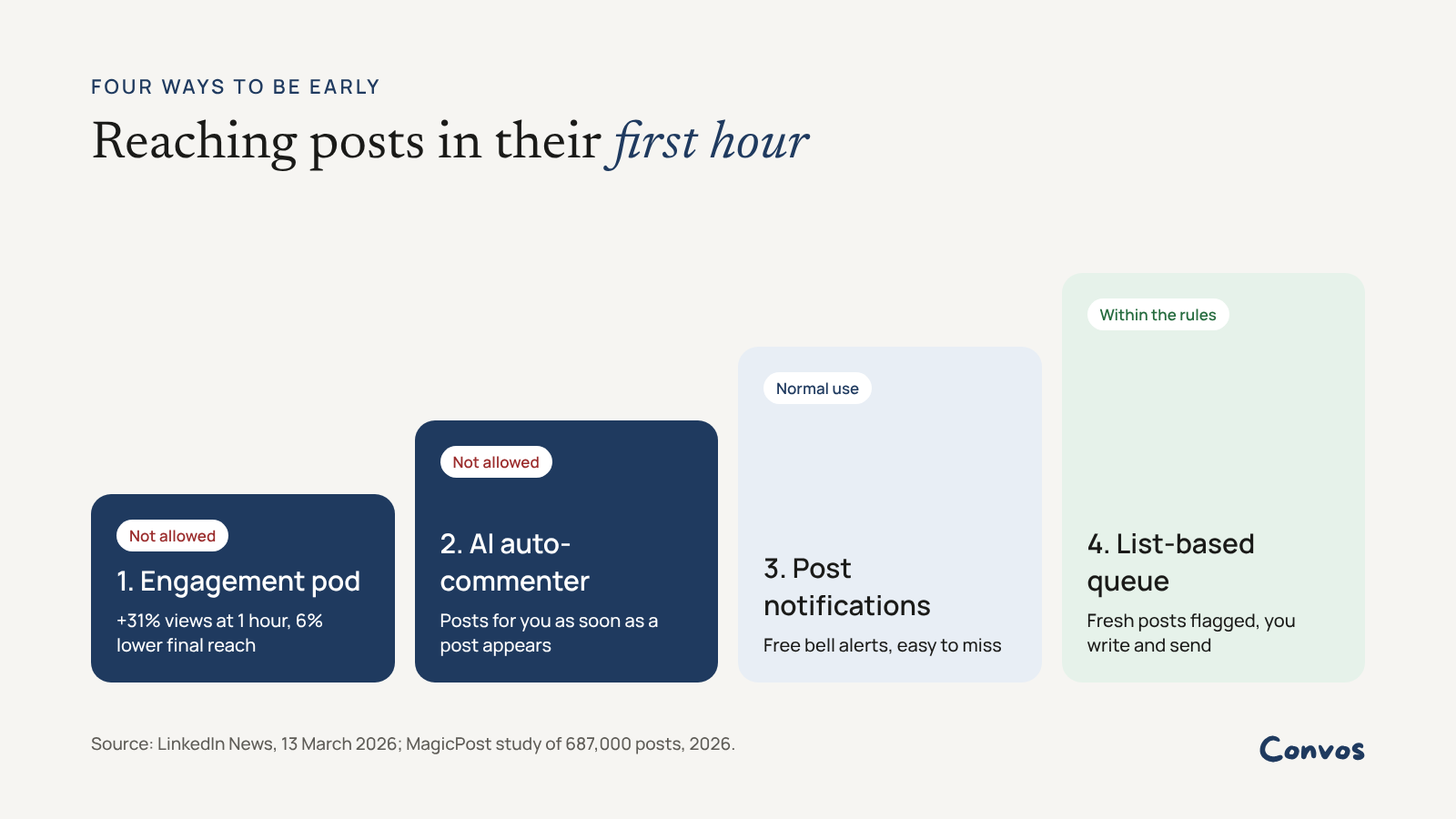
There are four common ways to reach posts in their first hour. They are not equal, either in effort or in how LinkedIn treats them.
| Method | How it works | Effort | LinkedIn’s position |
|---|---|---|---|
| Post notifications (the bell) | LinkedIn alerts you when a chosen person posts | Free, but noisy and mixed with everything else | Normal use |
| List-based queue tool | A tool reads the posts of people you chose and flags the fresh ones | A few minutes per session | Fine, as long as a human writes and sends |
| AI auto-commenter | Software drafts or posts a comment as soon as the post appears | None | Automated comments “aren’t allowed” |
| Engagement pod | A group agrees to comment on each other’s posts quickly | Constant | Pods “erode trust and are not allowed” |
LinkedIn’s position comes from its own announcement of 13 March 2026, which says comments made using “a browser extension, script, or third party tool” are not allowed and that pods are not allowed either (LinkedIn News). In February 2026, VP of Product Gyanda Sachdeva added that automated comments are removed from the “Most relevant” view and can be limited to the commenter’s direct connections (Social Media Today, 16 February 2026).
Why pods and auto-commenters fail anyway
Even setting the rules aside, the data is poor. MagicPost found that pod comments in the first hour lifted views by 31% at the 1 hour mark but left final reach 6% lower (MagicPost, 2026). And since August 2026, comments are ranked by relevance to each reader rather than by time alone (Vulse), so the first generic comment no longer wins by default. Under big posts, Richard van der Blom estimates that about 80% of comments in the first 5 minutes are AI-written (via Taplio): racing them with another quick line gets you lost in the crowd. Our Lempod alternative guide covers what replaces pods.
What a good LinkedIn first hour tool should do
If you choose software for this, check these five points before you install anything.
- It starts from people, not the feed. You pick the clients, peers and creators you want to be known by. The feed decides for you; a list does not.
- It shows freshness clearly. You should see at a glance which posts are under an hour old, so you can start with those.
- It reads at a human pace, from your own browser. No shared password, no cloud server logged in as you. Our safe LinkedIn engagement tool checklist explains what to look for.
- It never writes or sends on its own. Finding posts is fine. Drafting and posting comments is the automation LinkedIn demotes.
- It tells you when your people post. If most of your list publishes between 8 and 10 am, that is when your session should be.
In Convos, a green “Fresh” badge marks posts published less than an hour ago, and a “Best time to engage” card shows when the people you follow publish the most, with the advice to comment in the first hour after they post. It reads everything 20 minutes before your usual LinkedIn time, so the queue is ready when you sit down; you type every comment and the Chrome extension sends it. Prices as of 20 November 2026: a free plan for 1 list of 10 people, then Solo at €15 a month or €10 billed yearly (pricing).
A first hour routine that fits around work
You do not need to watch LinkedIn all day. A short routine catches most first hours.
- Find your people’s hours. PostFast’s synthesis points to Tuesday to Thursday, 8 to 11 am local time, as the strongest posting window (PostFast). Your own list may differ, so check.
- Set two or three sessions a day. Morning, lunch and late afternoon cover most posting times. Teract, a vendor, suggests commenting within 30 minutes and skipping posts older than 6 hours (Teract).
- Start with fresh posts, then the rest. Clear the posts under an hour old first, then older ones from people who matter.
- Write something specific. Taplio suggests 15 to 40 words. Add an example, a disagreement or a question; a line anyone could write is the line nobody answers.
- Answer your own comments too. Buffer’s study of 72,000 posts linked author replies to about 30% more engagement, with the caveat that this is a correlation (Buffer, 4 December 2025).
For the full daily structure, see our LinkedIn comment queue explainer.
How to tell if being early works for you
Since February 2025, LinkedIn shows comment impressions, counted “each time someone views your comment” and visible only to you (Social Media Today, 25 February 2025). Compare your comments left in the first hour with those left later over a few weeks. If the early ones get more impressions and more replies, keep the routine. If not, spend the time on better comments rather than faster ones.
If you want the fresh posts from your people lined up for you each morning, you can try Convos free for 14 days, no card needed.