

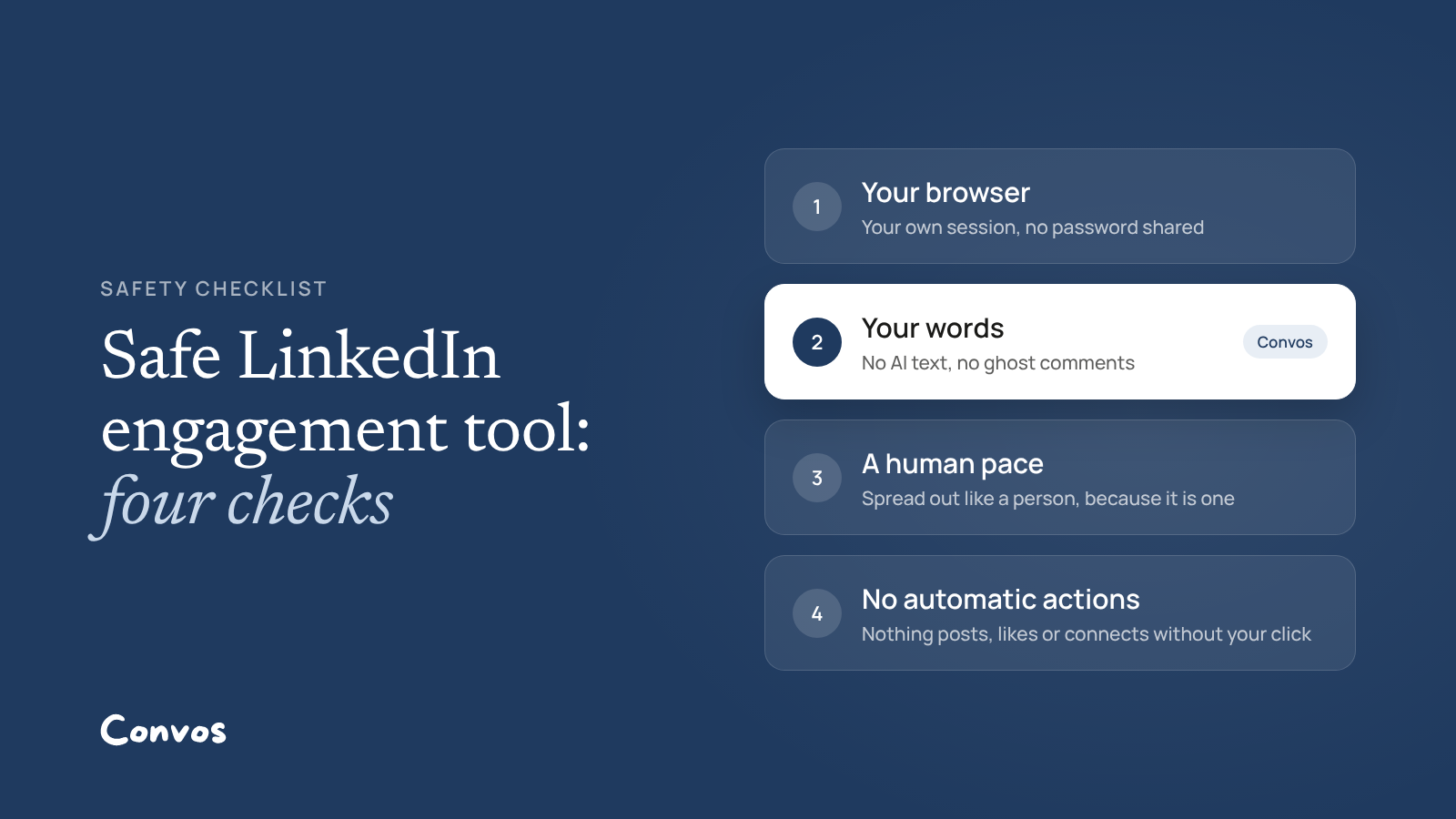
In short: a safe LinkedIn engagement tool is one that runs in your own browser, leaves every word to you, works at a human pace and never likes, comments or connects on its own. LinkedIn now states that automated comments made with “a browser extension, script, or third party tool” are not allowed, so the safe tools are the ones that organise your engagement rather than perform it. Check those four points before you install anything.
Key takeaways
- LinkedIn bans automated comments and engagement pods, and limits the reach of comments it judges automated (LinkedIn News, 13 March 2026).
- “Safe” is about behaviour, not branding: no third-party tool is approved by LinkedIn, so judge what the tool actually does on your account.
- Four checks cover most of the risk: your browser, your words, a human pace, no automatic actions.
- The penalty is usually quiet: lower visibility first, then restrictions for repeat offenders.
What makes a safe LinkedIn engagement tool in 2026
Engagement tools cover anything that helps you like, comment, reply or connect. Some write for you, some click for you, and a few only prepare the work. The rules that matter come from LinkedIn itself, not from tool vendors.
Since August 2025, LinkedIn’s help pages say that “if we detect excessive comment creation or use of an automation tool, we may limit the visibility of those comments” (Social Media Today, 20 August 2025). In February 2026, VP Product Gyanda Sachdeva defined automated comments as those posted “without any human oversight or review”: they are removed from “Most relevant”, can be limited to the commenter’s direct connections, and repeat offenders are restricted (Social Media Today, 16 February 2026). In March 2026, LinkedIn said plainly that automated comments and pods are not allowed, and that it uses technology and human review to find them (LinkedIn News).
So a safe tool is not one that hides better. It is one with nothing to hide.
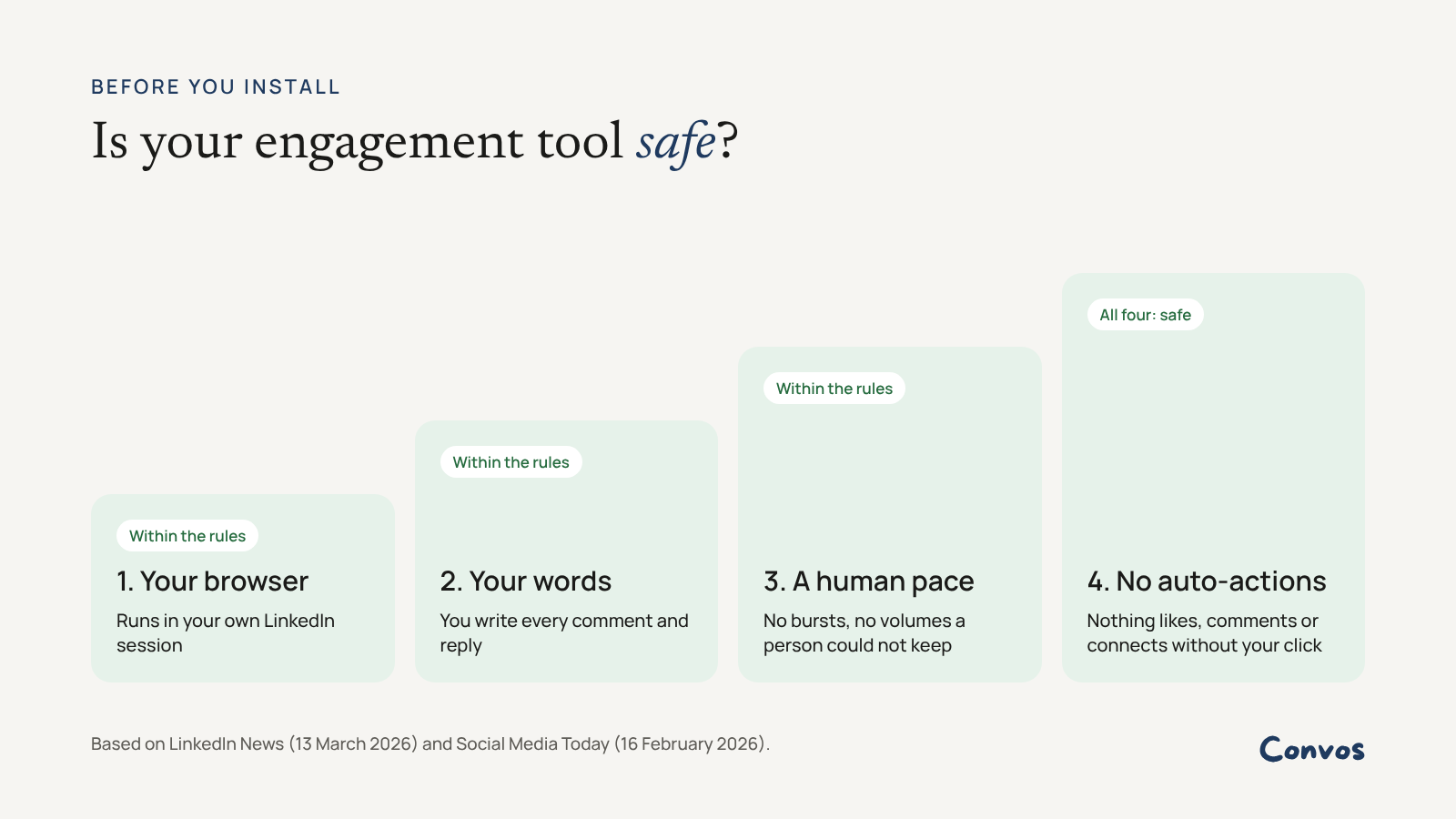
The four-point safety checklist
1. It runs in your browser, with your own session
The tool should work inside your normal LinkedIn session, on your own computer. Be wary of any service that asks for your LinkedIn password or runs your account from its own cloud servers.
LinkedIn’s User Agreement asks members to keep their account confidential and not share or transfer it (section 2.2), and forbids using bots or another person’s account (section 8.2), as summarised by MagicPost. A tool that logs in as you from a data centre is the clearest breach of both.
2. Every word is yours
Ask who writes the comment. If the answer is “the AI”, the tool sits in the category LinkedIn is now demoting. Members have also been handed a way to push back: PCWorld reports that the “Seems like AI slop” button was used more than 1 million times, and that views of content classified as AI spam fell by 40% in some cases (PCWorld, 24 August 2026).
There is a reputational cost too. Carta’s Peter Walker describes readers blocking AI commenters outright (Carta, 20 May 2026). A safe engagement tool can suggest who to talk to; it should never put words in your mouth.
3. It keeps a human pace
LinkedIn publishes no official daily limits. Community estimates put a comfortable pace at roughly 10 to 15 comments a day for new accounts, about 20 for established ones and around 30 for trusted ones (Linked API, estimates rather than rules). LinkedIn can also cap comment volume per member or Page over a period.
Pace matters for detection as well. LinkedIn’s trust team looks for “concentrated activity, the same members at the same times within the same timeframes”, according to Oscar Rodriguez, VP Trust Product, quoted by Forbes via LigoSocial. A safe tool spreads your activity like a person would, because a person is doing it.
4. No automatic actions
The software should never press “post”, “like” or “connect” for you. Auto-likes, auto-comments, scheduled engagement and pod rotations all fail this test.
They also fail on results. In Hootsuite’s small experiment, an automated pod brought 54 likes and 24 comments but only 261 impressions, against 507 impressions for a manual pod (Hootsuite, December 2022). If you still use a pod, our guide to the Lempod alternative covers what replaces it.
Warning signs that a tool is not safe
Some tools have already run into LinkedIn. Kleo received a cease-and-desist over its extension in 2025 and relaunched as a web app without engagement features (AuthoredUp). Shield’s founders said Google and LinkedIn had made clear it could not continue “as it was built” (Taplio).
Watch for these signals before you sign up:
- It asks for your LinkedIn email and password.
- It promises “hands-free” or “on autopilot” engagement.
- It generates comments and posts them in one click.
- It joins you to a group that engages on each other’s posts.
- It offers volumes no person could keep up.
If LinkedIn does notice, the first sign is often an email saying it has seen “activity from your account that indicates you might be using an automation tool”, which “may lead to your account being restricted” (AuthoredUp help, text of LinkedIn’s notice).
Safe and unsafe engagement tools compared
| Tool type | Who writes | Who clicks | Where it runs | Safety |
|---|---|---|---|---|
| Organiser without AI | You | You | Your browser | Safe |
| AI comment assistant | The AI, you edit | You | Your browser | Risky if posted unedited |
| Auto-engagement extension | The software | The software | Your browser | Not allowed |
| Cloud automation or pod | The software or group | The software | Vendor servers | Not allowed, high risk |
What a safe engagement tool still does for you
Safety does not mean doing everything by hand. Timing still pays: a comment in the first half hour earns about 4 times the impressions of the same comment a day later (LinkHub data on 657,722 comments, via Taplio). And replies matter: Buffer found 30% more engagement on posts where the author replies to comments, across 72,000 posts (Buffer, 4 December 2025, a correlation rather than proven cause).
A safe tool helps with exactly that logistics. Convos, for example, builds one daily queue with fresh posts from the people you follow, the comments waiting on your own posts and your pending invitations; you write each reply, and it is sent from your own browser through the Chrome extension, with no password shared and no text generated. We explain the method in our LinkedIn comment queue guide, and compare the wider market in the best LinkedIn engagement tools roundup.
The bottom line
Run any tool through the four checks: your browser, your words, a human pace, no automatic actions. If it passes all four, it is as safe as using LinkedIn yourself, because that is what you are doing. If you want to try one that was built that way, Convos has a free plan.