

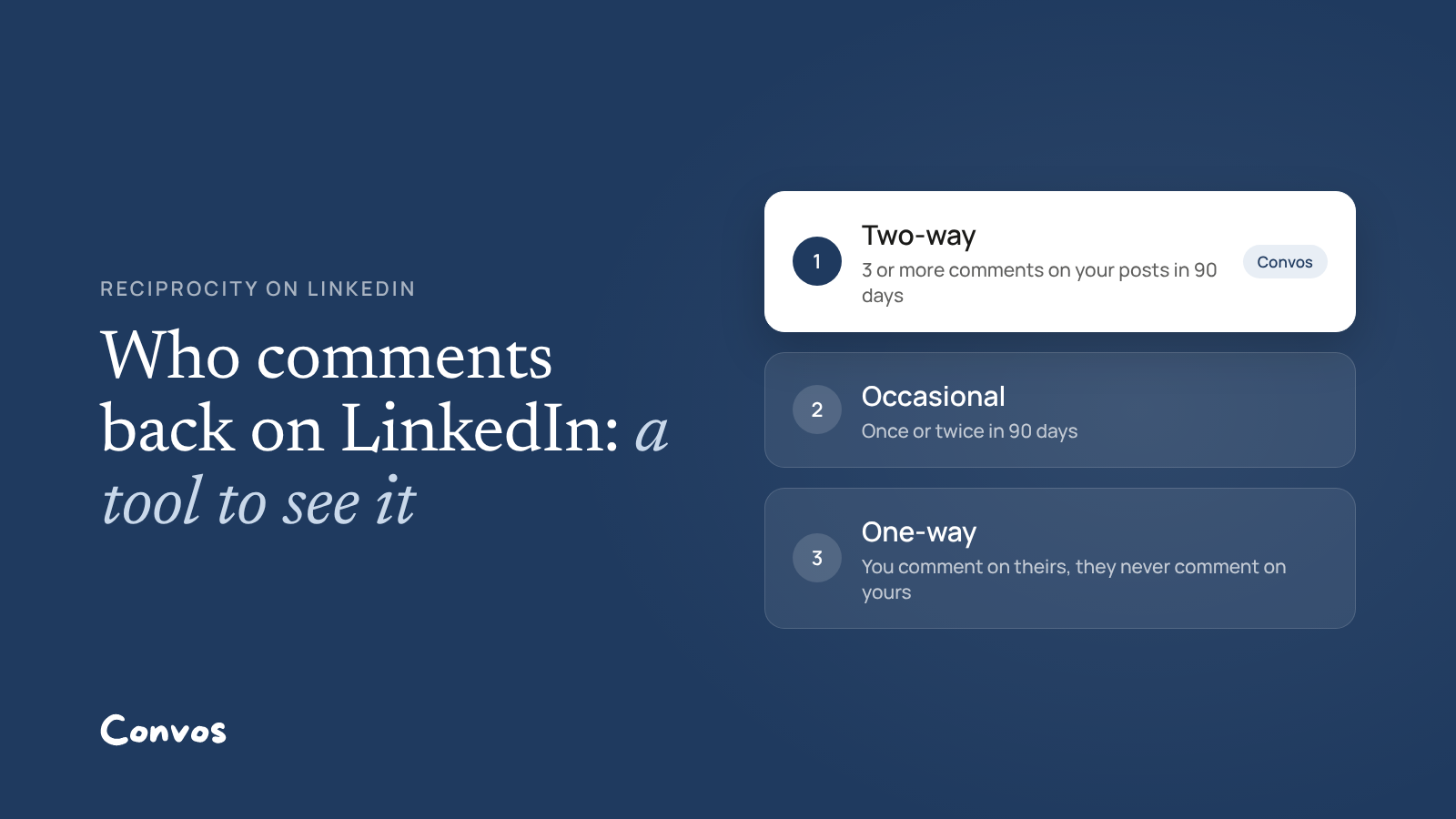
In short: a “who comments back on LinkedIn” tool tracks reciprocity: for each person you engage with, it shows how often they comment on your posts in return, and flags the one-way relationships where you give and never receive. LinkedIn itself shows who commented on each post, but not this pattern across months and people. You can track it by hand in a spreadsheet, or use a tool that counts it for you, as long as it only measures and never comments for you.
Key takeaways
- Reciprocity is a question about people across many posts, not about one post, which is why LinkedIn’s post analytics do not answer it.
- Most engagement does not come back: in a 2026 report on 2,279 posts from 246 B2B creators, over 90% of engagers never returned.
- A simple scale works: two-way (3 or more comments on your posts in 90 days), occasional (1 or 2), one-way (none, although you comment on theirs).
- Tracking who comments back is fine; agreeing in advance to comment on each other’s posts is a pod, which LinkedIn’s policies forbid.
- Use the data to choose where your time goes, not to keep score with people.
What a “who comments back” tool actually measures
Most LinkedIn analytics are built around posts: impressions, reactions, comments, followers gained. That tells you which posts worked. It does not tell you which relationships work.
A tool that shows who comments back on LinkedIn turns the question around. It starts from the people you spend time on (the creators, clients and peers whose posts you comment on) and asks one thing about each: do they ever show up under your posts? Over a long enough window, that gives every person a reciprocity level.
Three numbers are enough to work with:
- How many times you commented on their posts in the window.
- How many times they commented on yours.
- When either of you last did.
Anything more (sentiment scores, “engagement value”, predicted reach) is decoration. The useful output is a short list: who comments back, who sometimes does, and who never has.
Why reciprocity matters more than reach
Comments are the expensive part of LinkedIn growth. They take thought, and they are where conversations start. AuthoredUp’s analysis of 621,833 posts, reported by ContentIn, found comments weigh more than twice as much as likes, and that replies between readers under a post can lift its reach up to 2.4x (ContentIn, 28 March 2026).
So where those comments go matters. The bad news is how rarely engagement returns on its own. Koka Sexton and SignalScout looked at 2,279 posts from 246 B2B creators and found that over 90% of engagers never come back (LinkedIn Algorithm Report 2026). If most people engage once and disappear, the few who keep returning are the ones worth knowing.
Effort spent on the wrong people is also invisible effort. ContentIn found that 41% of comments get zero engagement, across 250,000 comments from 5,500 users (ContentIn, 16 May 2026). Knowing who comments back is one of the simplest ways to move your daily comments towards conversations that continue.
The four reciprocity levels
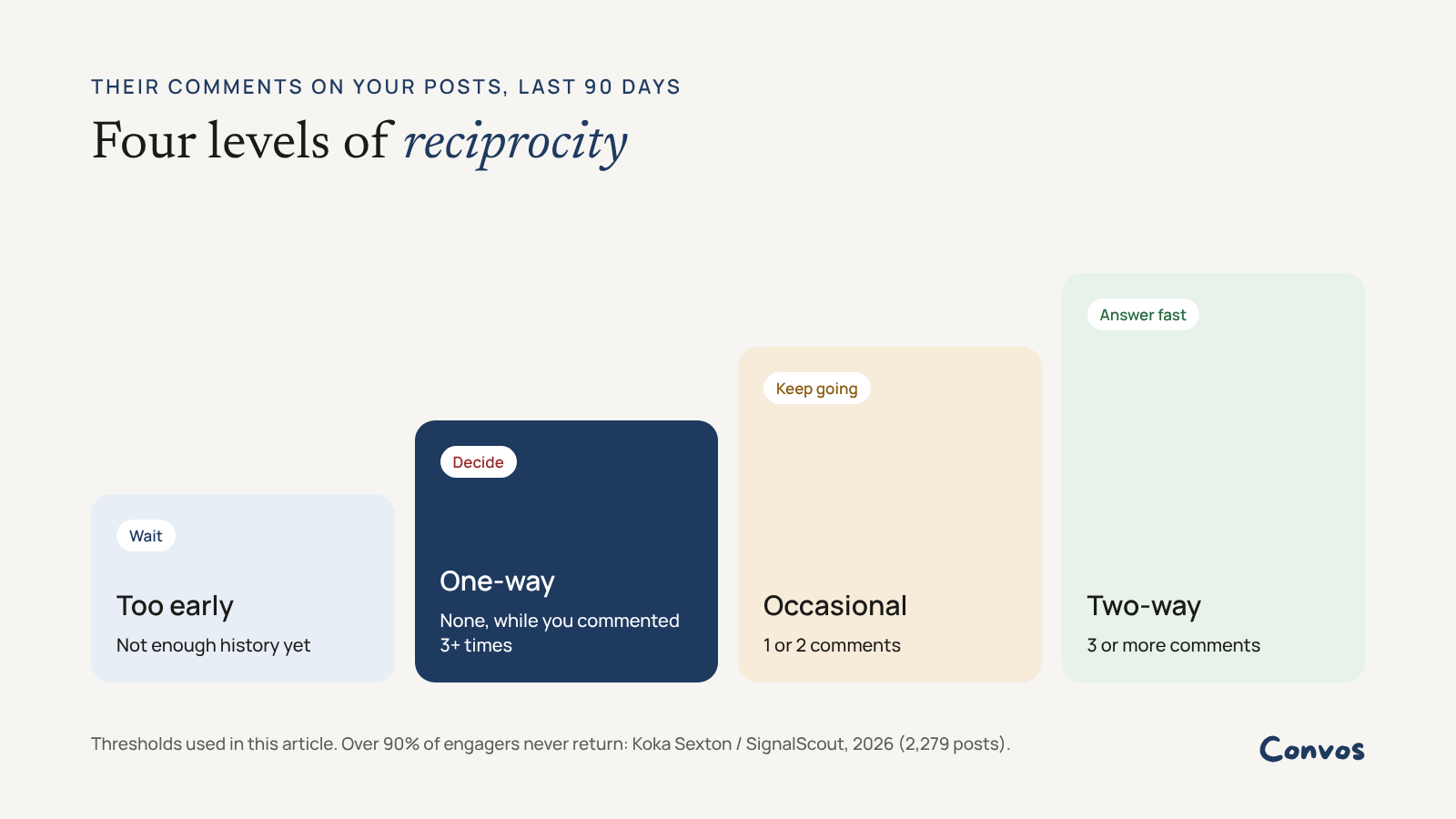
A 90-day window is long enough to smooth out holidays and quiet weeks, and short enough to reflect the relationship as it is now. Inside that window, sort each person into one of four levels:
| Level | Their comments on your posts (90 days) | What to do |
|---|---|---|
| Two-way | 3 or more | Keep commenting first on their new posts; answer them quickly |
| Occasional | 1 or 2 | Normal. Keep going if the person matters to you |
| One-way | None, while you commented 3+ times on theirs | Decide: keep them for other reasons, or free the slot |
| Too early | Not enough history yet | Wait before judging |
The thresholds are a working rule, not a law. A prospect who never comments may still read everything you write. A one-way label is a prompt to decide, not a verdict on the person.
How to track who comments back on LinkedIn by hand
You can do this with LinkedIn and a spreadsheet. It is free, and it works once it becomes a weekly habit.
- List the people you comment on most. A few dozen names is plenty. Use your Activity tab (“Comments”) to see where your comments went recently.
- Log who comments on your posts. After each post, open the comments and add a tally next to every name that appears. Notifications help, but they mix comments with reactions and mentions.
- Add your own comments. Each time you comment on someone from the list, add a tally in a second column.
- Review every month. Sort by the gap between the two columns. The names with many of your comments and none of theirs are your one-way relationships.
The weak point is discipline: the log only works if you update it after every post, and the 90-day window means deleting old tallies. That is where most hand-kept logs break down.
What a good reciprocity tool should do
If you use software for this, check four things before you install it.
It reads, it does not post. Counting who comments back only needs to read comments. A tool that also writes or sends comments for you falls under LinkedIn’s rules on automation: in February 2026, LinkedIn said automated comments posted “without any human oversight or review” are removed from the Most relevant view and can be limited to the commenter’s direct connections (Social Media Today, 16 February 2026).
It reads at a human pace, from your own browser. No shared password, no cloud server logged in as you. Our safe LinkedIn engagement tool checklist covers the details.
It shows a window, not a lifetime total. A comment from two years ago says little about the relationship today. Look for 60 to 90 days.
It surfaces one-way relationships explicitly. Seeing that someone comments back is pleasant. Seeing who never does is what changes your routine.
In Convos, a coloured dot next to each person shows how often they commented on your posts in the last 90 days (green 3 times or more, orange once or twice, red never, grey when it is too early), and the Relationship quality page lists your one-way relationships so you can keep them or free the space. It never writes or sends anything you did not write yourself.
Reciprocity tracking is not an engagement pod
There is a line here, and it is worth being clear about it. Measuring who comments back on your posts is observation. Arranging for people to comment on each other’s posts is coordination, and LinkedIn’s Professional Community Policies ask members not to “agree with others ahead of time to like or re-share each other’s content” (LigoSocial, quoting the policies).
LinkedIn is explicit that pods “erode trust and are not allowed on LinkedIn” (LinkedIn News, 13 March 2026). Its detection looks for “concentrated activity, the same members at the same times”, according to Oscar Rodriguez, VP of Trust Product, as quoted by Forbes via the same LigoSocial article. Our Lempod alternative guide explains what replaces pods.
So use the data quietly. Do not message people to ask why they stopped commenting, and do not trade comments. Reciprocity grows when you comment early and well on the people who matter to you, and when you answer everyone who comments on your posts. Buffer’s study of 72,000 posts linked author replies to about 30% more engagement, with the caveat that the link is a correlation (Buffer, 4 December 2025).
What it costs
Tracking by hand costs nothing but time. Among tools, prices change often, so check before you buy. As of 17 November 2026, our own plans start with a free plan (1 list of 10 people, 10 comments and 10 replies a day), then Solo at €15 a month or €10 billed yearly, and Agency at €19 per LinkedIn account a month, excluding VAT (pricing). For a wider view of what else exists, see our guide to the best LinkedIn engagement tools and our LinkedIn comment queue explainer.
If you want to see who comments back without building the spreadsheet, you can try Convos free for 14 days, no card needed.